

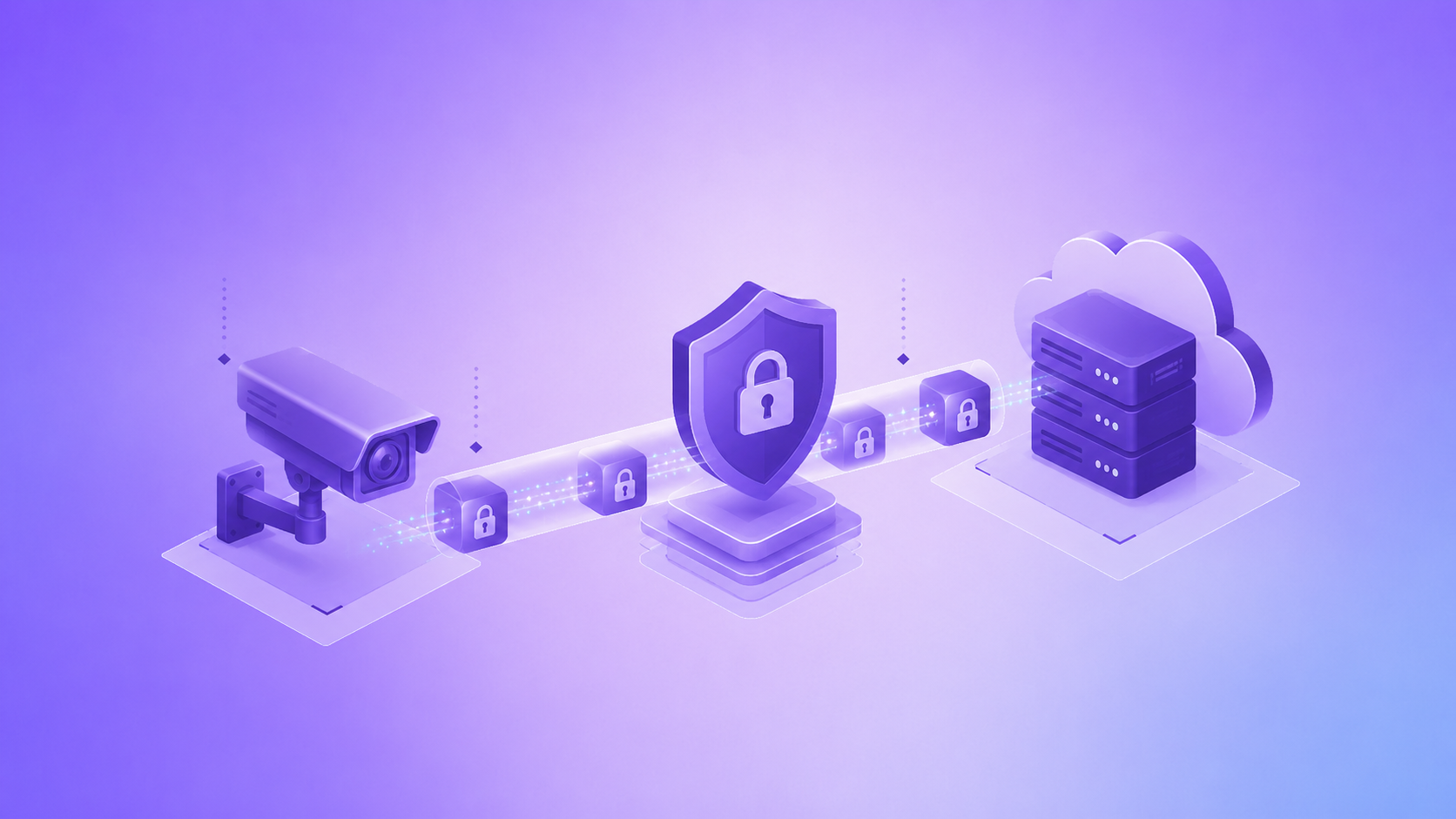
Video surveillance has moved far beyond simple recording. Cameras now stream footage to cloud servers, mobile apps, and remote monitoring stations, which means every frame travels across networks that can be intercepted. Encryption is the layer that keeps that footage private, and understanding how it works is essential for anyone managing a surveillance network today.
When Data Encryption Becomes Critical for Your Surveillance System
Encryption stops being optional the moment a camera connects to a network, a mobile app, or a cloud storage service. Any point where video leaves the device — over Wi-Fi, through a router, or into remote storage — is a point where it can be captured by an outsider. Systems installed in offices, retail stores, or private homes all handle footage that may include faces, license plates, or conversations, so the risk is not limited to large enterprises. Small business owners and homeowners face the same exposure whenever their cameras communicate outside a closed local network.
What Types of Data Must Be Encrypted in a Video Surveillance Setup
A surveillance system generates more than video streams. Several categories of data pass through it, and each one needs protection on its own terms.
- Live video feeds transmitted from the camera to a viewing app or monitor.
- Recorded footage stored on local drives, NVRs, or cloud servers.
- Login credentials and access tokens used to authenticate users.
- Metadata such as timestamps, camera IDs, and location tags.
- Firmware update packages sent to the device over the network.
Leaving any of these unprotected creates a gap that undermines the rest of the system, even if the main video stream itself is secured.
Why a Strong Password Alone Cannot Protect Your Camera Feeds
A complex password prevents unauthorized login, but it does nothing to protect data once it is in transit. Without encryption, the video stream itself can still be intercepted and viewed by anyone monitoring the network traffic, regardless of how strong the login credentials are.
Password protection and encryption solve two different problems:
- A password controls who is allowed to access the system.
- Encryption controls whether intercepted data can actually be read.
A camera can have an excellent password and still expose raw, readable footage if the connection between the device and the app is not encrypted. Both layers need to work together for the system to be considered secure.
Encryption in Transit, at Rest, and End-to-End – What’s the Difference?
These three terms describe encryption at different stages of the data’s journey, and confusing them often leads to gaps in protection.
| Encryption type | What it protects | Typical use case |
| In transit | Data moving between camera, server, and app | Live streaming over Wi-Fi or the internet |
| At rest | Data stored on a drive, NVR, or cloud server | Archived recordings and backups |
| End-to-end | Data throughout its entire path, unreadable to any intermediary | Footage viewed only by the account owner |
A system can encrypt data in transit but leave it unprotected once stored, or vice versa. Reviewing all three layers is the only way to confirm that footage is genuinely private at every stage.
How AES-256 and TLS Protocols Secure Your Video Data from Interception
Two standards form the backbone of most secure surveillance systems. AES-256 is an encryption algorithm used to scramble stored footage so that it is unreadable without the correct key. TLS, on the other hand, secures the connection itself while video is being transmitted, similar to the protocol that protects online banking sessions.
Together, these two technologies address both halves of the privacy problem: what happens to footage while it sits on a server, and what happens to it while it moves across a network. A system relying on only one of the two still leaves a window open for interception or unauthorized access.
Checking Your System’s Encryption Compliance (GDPR, CCPA, and HIPAA)
Regulatory frameworks set specific expectations for how video data containing personal information must be handled. Compliance requirements differ slightly by region and industry, but the underlying principle is the same: encrypted data must remain protected throughout its lifecycle.
| Regulation | Applies to | Key encryption expectation |
| GDPR | Organizations processing EU residents’ data | Encryption as a safeguard against unauthorized access |
| CCPA | Businesses handling California residents’ data | Reasonable security procedures, encryption included |
| HIPAA | Healthcare facilities recording patients | Encryption of stored and transmitted footage |
Before assuming compliance, it is worth confirming that a vendor’s documentation explicitly states which encryption standards are applied and where they are enforced.
The Most Common Encryption Oversights That Put Your Privacy at Risk
Even systems marketed as secure often contain gaps introduced during setup or left unaddressed over time. Recognizing these oversights early prevents them from becoming serious vulnerabilities.
- Default credentials left unchanged after installation.
- Outdated firmware that no longer supports current encryption standards.
- Cloud storage plans that skip encryption at rest to reduce costs.
- Mobile apps that transmit login data over unencrypted connections.
- Local network traffic assumed to be safe simply because it never reaches the internet.
Each of these issues can exist quietly for months without being noticed, which is why periodic security reviews matter as much as the initial setup.
What to Look for in a Surveillance Vendor to Ensure Robust Encryption
Choosing a vendor is largely a matter of verifying what they actually implement rather than what they advertise. A few concrete checks make this evaluation more reliable.
- Ask which encryption standard is used for stored footage and confirm it is AES-256 or equivalent.
- Confirm that TLS or a comparable protocol secures all live streaming and app communication.
- Request documentation on how firmware updates are delivered and verified.
- Check whether two-factor authentication is available alongside encryption.
- Look for third-party security audits or compliance certifications tied to the product.
A vendor willing to provide clear answers to these points is generally more trustworthy than one offering vague marketing language about “bank-level security.”
FAQ
Does encryption slow down video streaming?
Modern encryption standards like AES-256 and TLS are optimized to run
with minimal impact on stream quality or latency, so noticeable
slowdowns are rare on properly configured systems.
Can encrypted footage still be hacked?
Encryption significantly reduces the risk, but it does not eliminate
every threat. Weak passwords, outdated firmware, or poor key management
can still create openings even on an encrypted system.
Is local storage safer than cloud storage?
Neither option is inherently safer; what matters is whether encryption
at rest and access controls are properly applied, since both local
drives and cloud servers can be compromised without them.
Do all surveillance cameras support encryption by default?
No. Encryption support varies widely between manufacturers and price
points, which is why confirming this feature before purchase is an
important step rather than an assumption.