

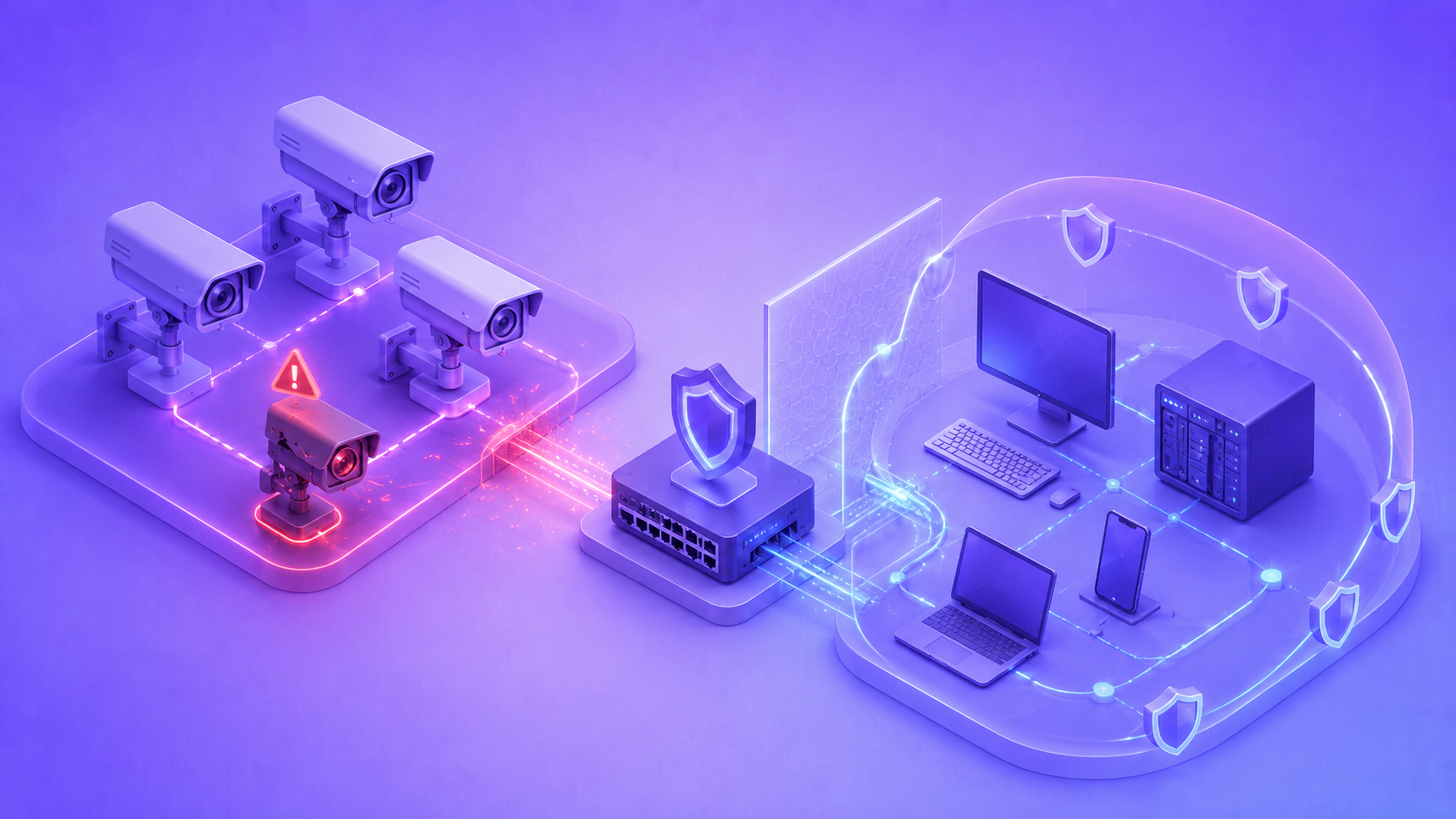
IP cameras sit at an unusual intersection: they are always connected, rarely updated, and often forgotten once installed. That combination makes them one of the easiest entry points into a home or business network. Securing these devices requires more than a single fix — it takes a set of habits applied consistently across the entire system.
Why IP Cameras Are Prime Targets for Hackers
Unlike laptops or phones, IP cameras run continuously and receive far less attention after installation. Many devices ship with predictable default credentials, outdated software, and open ports that make them easy to locate through automated scanning tools. Once compromised, a camera can serve two purposes for an attacker: direct access to private footage, and a foothold for reaching other devices on the same network.
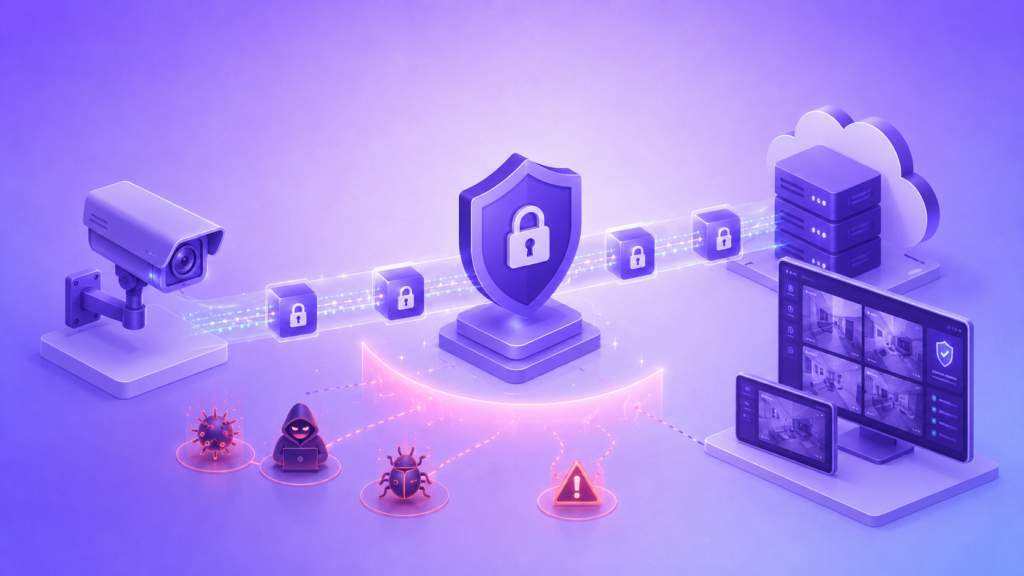
This dual risk is what separates camera security from typical device security. A single unprotected camera does not just expose video — it can expose everything else connected to the same router.
Default Settings You Must Change Immediately
Every IP camera arrives with factory settings designed for easy setup, not long-term security. Leaving these settings untouched is one of the most common reasons cameras get compromised within days of installation.
- Default username and password, often published in the manufacturer’s manual.
- Default port numbers used for remote access.
- Universal Plug and Play (UPnP), which automatically opens ports on the router.
- Guest or demo accounts left active after configuration.
- Default device names that reveal the camera’s brand and model to scanners.
Changing these settings takes only a few minutes but removes the majority of automated attack attempts that rely on default configurations.
The Role of Firmware Updates in Closing Security Gaps
Firmware is the software running directly on the camera, and manufacturers release updates specifically to patch discovered vulnerabilities. A camera running outdated firmware may have known security flaws that are publicly documented, making it an easy target even for attackers with limited technical skill.
Checking for updates should become a routine task rather than a one-time step during installation. Some manufacturers offer automatic update options, while others require manual checks through a companion app or web interface. Either way, delaying updates for weeks or months significantly extends the window during which a known vulnerability remains exploitable.
Network segmentation: creating a separate VLAN for your cameras
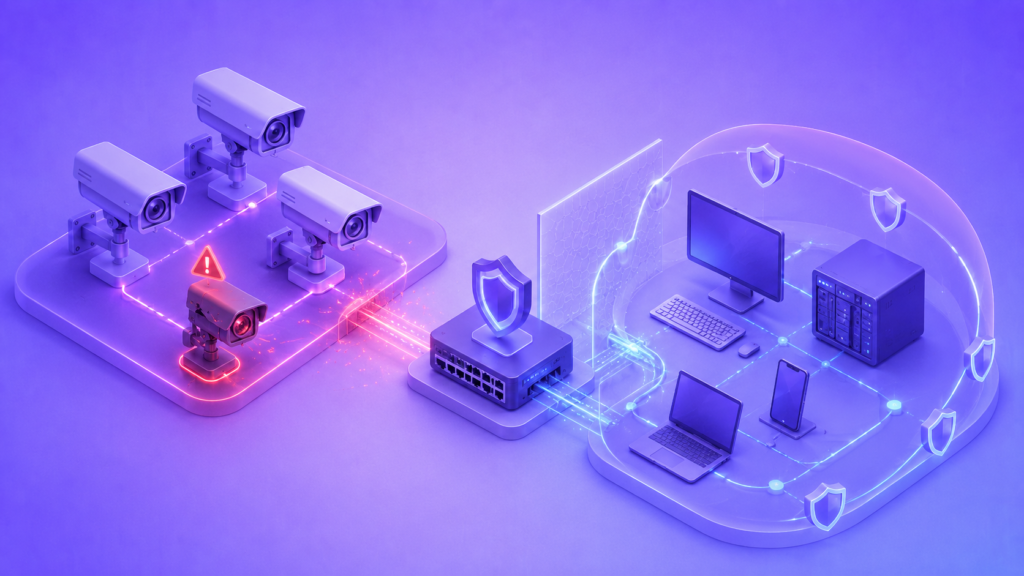
Placing cameras on the same network as computers, phones, and other sensitive devices means a single compromised camera can potentially expose the entire network. A virtual local area network, or VLAN, separates camera traffic from the rest of the network so that even if one device is breached, lateral movement to other systems becomes far more difficult.
Setting up a VLAN typically involves a router or switch that supports network segmentation, along with basic configuration to assign cameras to their own isolated segment. This step is particularly valuable for businesses running multiple cameras, though home users with compatible routers can benefit from it as well.
Enabling HTTPS and disabling unused ports
Communication between a camera and its viewing app should always run over an encrypted connection. HTTPS wraps this traffic in a secure layer, making it far harder for anyone monitoring the network to read login credentials or video data in transit. Cameras that still default to HTTP should have this setting changed as part of initial configuration.
Alongside enabling HTTPS, reviewing which ports remain open is equally important. Most cameras only need a small number of active ports to function correctly, and anything beyond that represents unnecessary exposure.
- Disable remote access ports if the camera is only viewed on a local network.
- Close any port associated with legacy protocols the device no longer needs.
- Restrict port forwarding rules on the router to only what is strictly required.
Reducing open ports narrows the attack surface considerably, even before other protections are applied.
Choosing strong passwords and implementing two-factor authentication
A strong password remains one of the simplest and most effective defenses available. It should be long, unique to the camera system, and never reused from another account. Password managers make this far easier to maintain across multiple devices without resorting to predictable patterns.
Two-factor authentication adds a second layer that a stolen password alone cannot bypass. The table below summarizes how these two protections compare.
| Protection | What it prevents | Limitation |
| Strong password | Brute-force and guessing attacks | Useless if credentials are leaked elsewhere |
| Two-factor authentication | Access using a stolen password alone | Requires app or device support |
Combining both measures closes gaps that either one, used alone, would leave open.
Regular auditing of camera access logs
Most IP cameras and their associated apps keep logs of login attempts, viewing sessions, and configuration changes. Reviewing these logs periodically helps identify unfamiliar IP addresses, repeated failed login attempts, or access at unusual hours that may indicate unauthorized activity.
Setting a recurring reminder to check these logs, even briefly, turns security from a one-time setup task into an ongoing practice. Many systems also allow alerts to be configured for suspicious login activity, which reduces the need for manual review.
Common mistakes that compromise camera security
Even well-intentioned setups often include small oversights that undermine the rest of the security measures in place. Recognizing these patterns helps prevent them from slipping through unnoticed.
- Reusing the same password across multiple cameras or accounts.
- Assuming a local network connection is inherently safe from threats.
- Ignoring firmware update notifications for extended periods.
- Sharing camera access credentials through unsecured messages or documents.
- Leaving cloud storage settings at default configurations without reviewing encryption options.
Addressing these habits alongside the technical measures described above creates a far more complete security posture.
FAQ
How often should camera firmware be checked for updates?
Checking once a month is a reasonable baseline, though enabling automatic updates, when available, removes the need for manual monitoring altogether.
Is a VLAN necessary for a home with only two or three cameras?
It is not strictly necessary, but it does add a meaningful layer of protection, particularly for routers that support easy VLAN configuration without additional cost.
Does two-factor authentication work with all IP camera apps?
Support varies by manufacturer, so checking the app’s security settings or documentation is the best way to confirm whether this feature is available.
Can a hacked camera affect devices beyond the camera itself?
Yes. Without network segmentation, a compromised camera can potentially be used to access other devices sharing the same network.